
Inkjet vs. Laser Printer in 2026: Which One Will Actually Save You Money?
Last Updated:Heads up: this post contains Amazon affiliate links. If you buy through them we may earn a small commission at no extra cost to you.
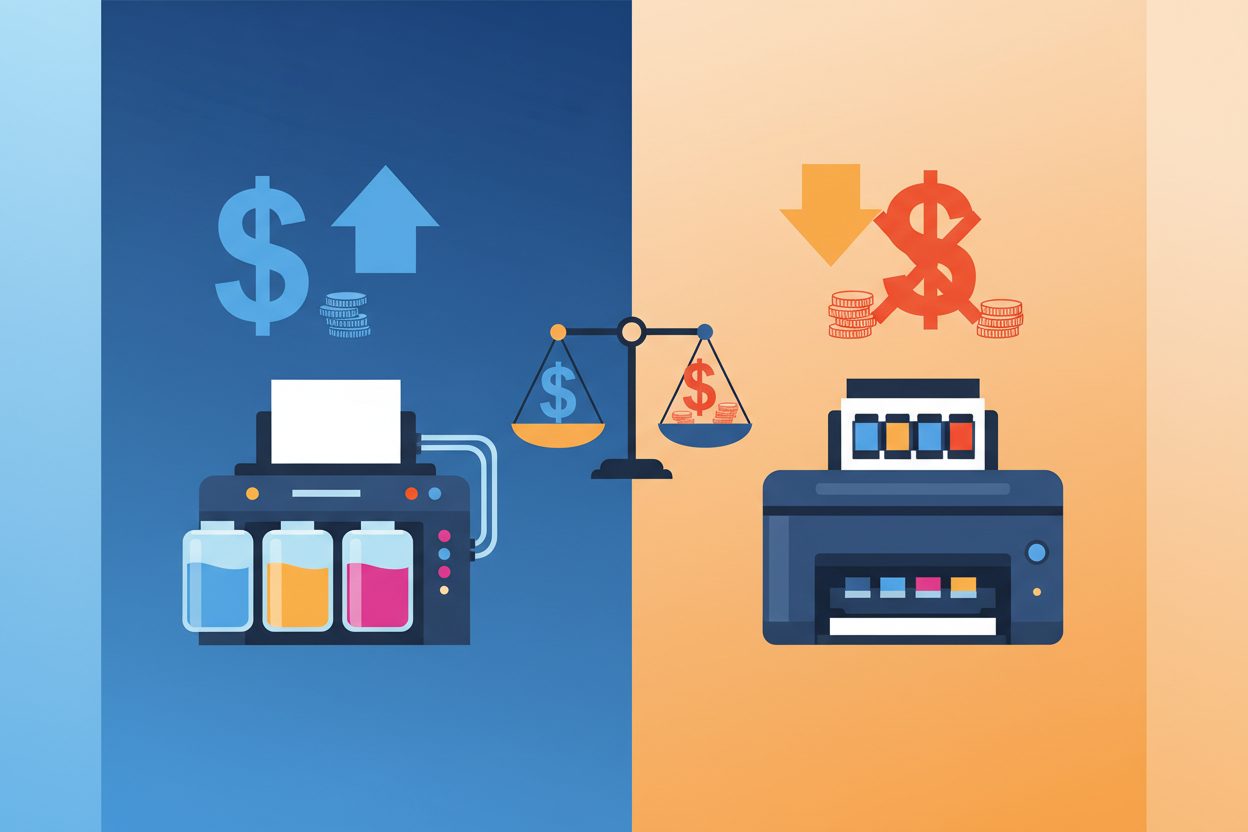
The honest answer to "inkjet or laser?" is "it depends on what you print and how often." But once you know two numbers — your monthly page volume and your color/photo ratio — the choice gets simple. Below is the cleanest breakdown we can give, plus our top picks for 2026.
Prefer the short version? The whole decision in about a minute, above.
How They Actually Work
An inkjet sprays microscopic droplets of liquid ink (dye or pigment) onto paper through a moving print head. A laser uses a laser to draw an electrostatic image on a rotating drum, attracts powdered toner to that image, then fuses the toner to the paper with heat. Inkjets split into two camps: HP and Canon use thermal heads, where heat forms a bubble that pushes the droplet out, while Epson uses piezoelectric heads, where a crystal flexes to eject it. That mechanical difference drives every other difference: cost, speed, photo quality, and what you do when something breaks.
Inkjets Win on Photos and Low-Volume Color
Inkjets reproduce skin tones, gradients, and photo paper better than any laser. They're cheaper up front (a solid all-in-one starts at about $80) and quieter. Where they lose is cost-per-page: a typical color page runs 8–20 cents on standard cartridges. Switch to high-yield XL or compatible cartridges from Castle Ink and that drops dramatically — see our HP 902XL bundle, HP 952XL set, or Brother LC3033 super-high-yield 4-pack.
Inkjets are the right tool when you print infrequently — so long as you print at least one color page every couple of weeks. Inkjet print heads dry out and clog if they sit unused. (If your photos are coming out streaky, see our dull photo print fixes.)
Lasers Win on Volume, Speed, and Text
Toner is a powder, fused to the page with heat. That makes lasers faster (25–40 ppm), sharper for small text, and dramatically cheaper per page once you cross 300 pages a month. They don't dry out either. A single high-yield compatible toner like our HP 80A (CF280A) or Brother TN760 prints thousands of pages for less than the cost of a single OEM cartridge.
The Break-Even Math
- Fewer than 100 pages a month with photos? Inkjet.
- 300+ mostly-text pages a month? Mono laser.
- In between? An inkjet with high-yield XL cartridges almost always wins on total cost.
For more on the supply side, see Compatible vs. Remanufactured vs. OEM Ink and our Small Office Ink & Toner Buying Guide.
Size, Noise, and Convenience
Inkjets are generally more compact and quieter, which matters in a home office or any room you also sit in. Lasers tend to be bigger, noisier while printing, and they give off heat from the fusing process — and many take a few seconds to warm up before the first page appears.
Specialty Printing Is Often the Tiebreaker
Inkjets handle photo paper, cardstock, labels, iron-on transfer paper and some fabrics. Lasers are fine on plain paper and standard label sheets, but heat-sensitive media — most photo papers and iron-on transfers included — can be ruined by the fuser. If you print projects rather than paperwork, that settles the question on its own. See How to Print Iron-On T-Shirt Transfers and Best Cardstock for Wedding Invitations.
Quick Picks for 2026
Best low-volume color all-in-one: Canon PIXMA TR8620a. Pairs with our Canon PGI-280XXL/CLI-281XXL bundle.
Best mid-volume home/office inkjet: HP OfficeJet Pro 9015e.
Best high-volume mono laser: Brother HL-L2350DW. See our TN760 toner deep-dive.
Best high-volume color laser: HP Color LaserJet Pro M255dw.
Lowest cost-per-page period: Epson EcoTank ET-4850.
Best photo printer: HP Envy Inspire 7955e. Pair with our best photo paper picks.
What About Paper?
The paper you load matters as much as the printer. Read our Inkjet vs Laser Paper primer and the broader Printer Paper 101 guide.
Still Deciding?
See our deeper roundups: Best Laser Printers 2026, Best All-in-One Printers 2026, Best Home Office Printers 2026.
And whichever you pick, keep your cost-per-page low with compatible HP ink, Canon ink, Epson ink, and Brother ink from Castle Ink.
Inkjet or laser printer in 2026? See real cost-per-page math, top picks for home and small offices, and when each printer type wins.
Shop Compatible Ink & Toner at Castle Ink
Castle Ink offers compatible ink and toner cartridges that save you 50–70% compared to OEM prices. Guaranteed to work or your money back.
See also: Printer Ink Cost Calculator | Which printers work best with compatible ink
An independent 0–100 score for every printer, refreshed monthly from thousands of owner reviews and expert tests — plus what the ink or toner actually costs to run. See this month's Top 10 inkjet and laser rankings, or use the PrinterIQ™ finder.
See the CastleScore rankings →